How BossWorks Works
Five steps from an idea typed into a box to a launched business. Here is what happens at each step, what BossWorks asks you for, and what you get back.
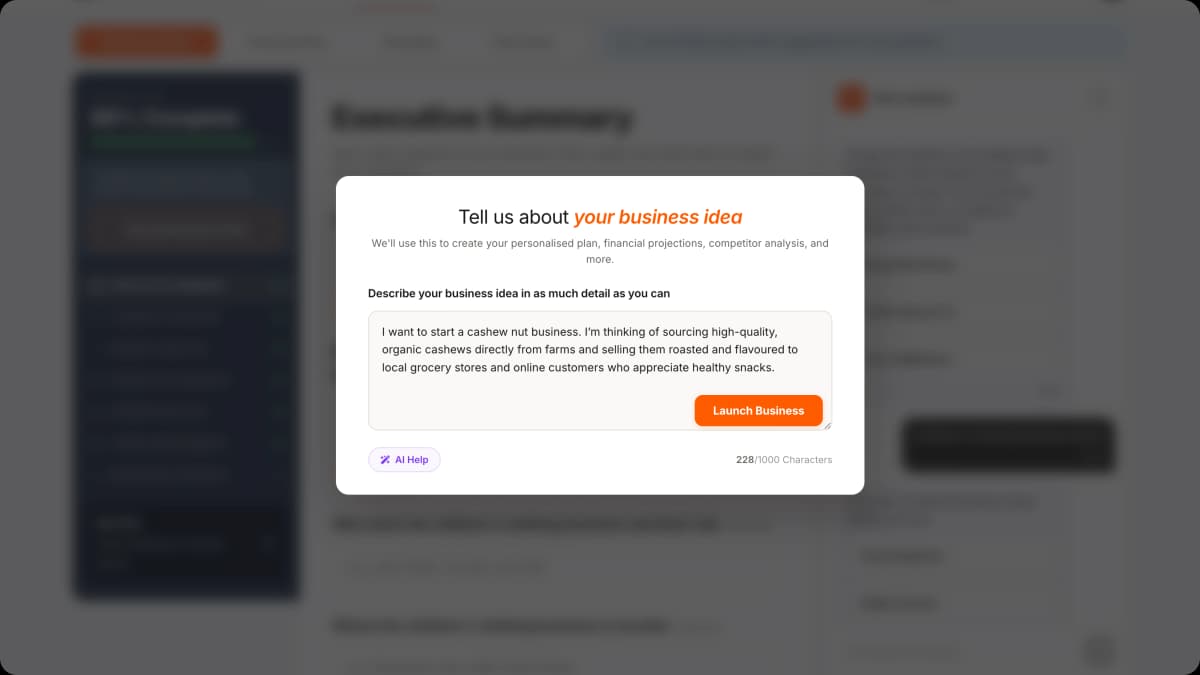
Describe your idea
During onboarding, you describe your business in a single text box. One sentence is enough to start. So is a paragraph.
All we ask for is the business idea itself. If you have a location in mind, you can include it in the description, or add it later in the dedicated location field. That is the minimum.
From there, you set up your account (no credit card needed) and land in the Plan section, where you fill out details across short, guided sections. Our Plan Assistant is right there to help you write, refine, and fill in anything you are unsure about.
BossWorks generates your plan
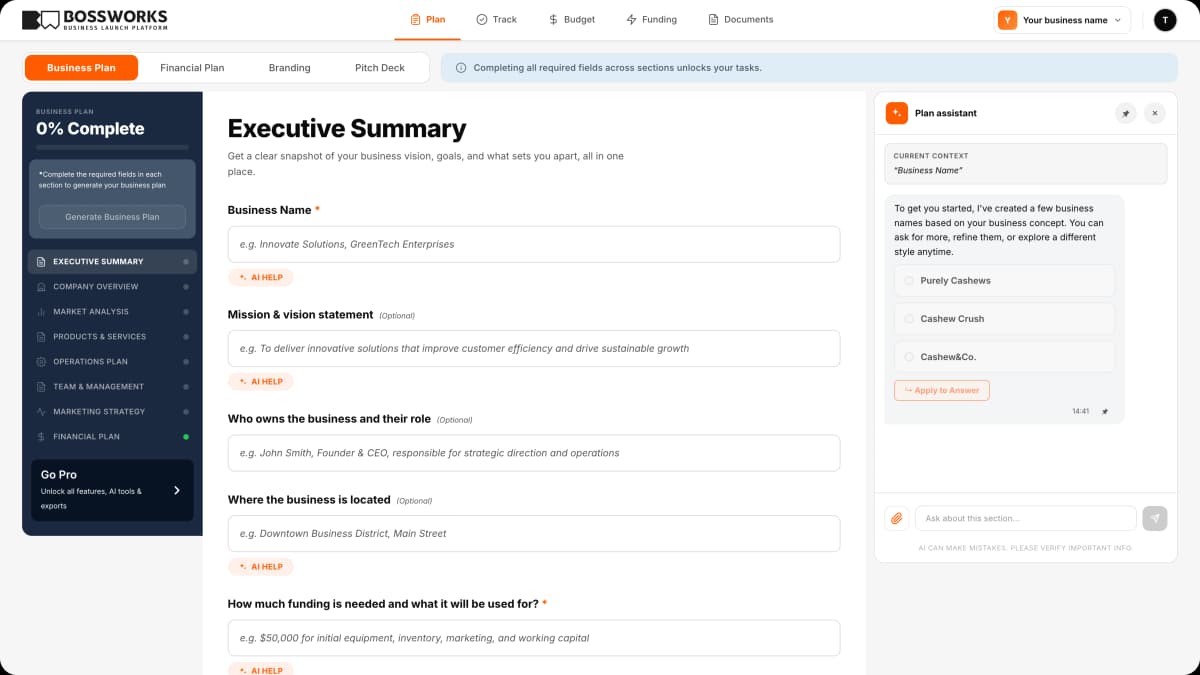
Within a minute, BossWorks generates the initial version of your plan. What you see:
- Executive summary, market analysis, products and services, operations plan, team and management, marketing strategy
- A 24-month financial projection with startup costs, monthly expenses, revenue forecast, profit margin, and break-even month
- A ranked list of funding matches with eligibility estimates and application steps
- A launch checklist with city-specific permits, registrations, and filings, ordered by what you need to do first
The plan is editable from the moment it appears. You can rewrite sections, change numbers, remove tasks, or add detail. None of it is locked.
Refine with Assistant help
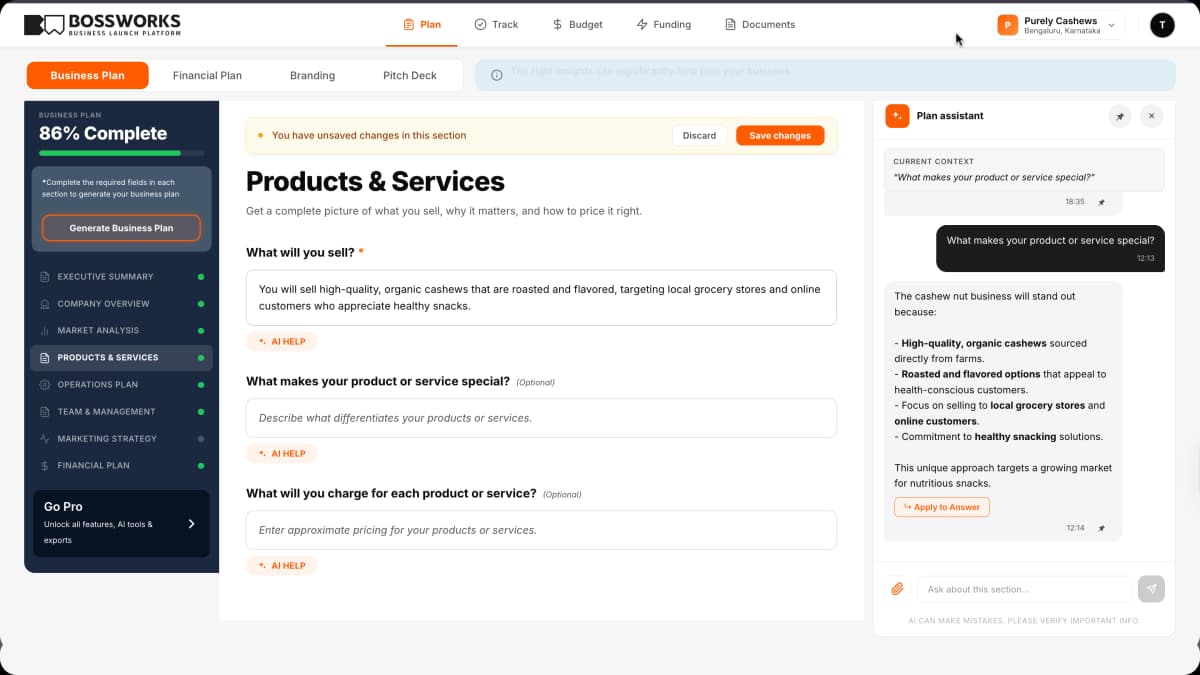
From here, you fill in detail. Some founders want to go deep on the marketing plan. Others want to focus on financial projections. The platform does not force a particular order.
As you work, six Assistants are available to answer questions:
- Plan Assistant for business plan structure, market analysis, and competitive positioning
- Finance Assistant for financial planning, pricing strategy, and break-even guidance
- Marketing Assistant for channels, messaging, and launch promotions
- Legal Info Assistant for business formation, contracts, and compliance basics
- Procurement Assistant for suppliers, vendors, and equipment
- Funding Assistant for SBA loans, grants, and funding application requirements
Each one uses your business context (type, city, stage, current plan) so the answers are specific to your situation. They also link directly to the next step inside your plan when relevant.
Track tasks, costs, and funding
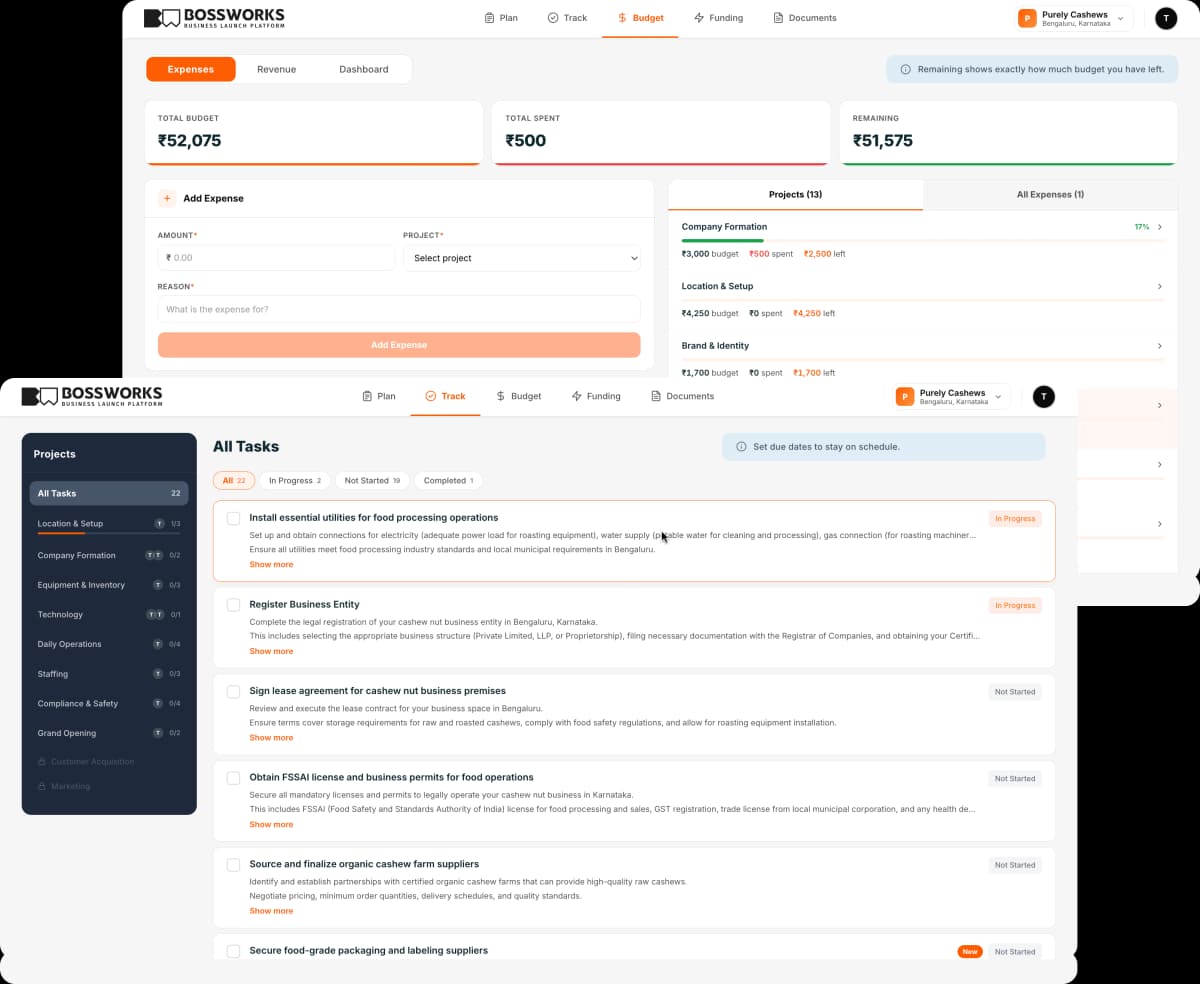
Your launch checklist sits in the Tracking tab. Each task has a deadline, a description, and a link to the next action (a permit application, a supplier directory, a funding lender). As you complete tasks, the progress bar updates.
The Financial Plan tracks your actual spending against your projections, so you see budget versus actual in real time as you start spending on permits, equipment, or marketing.
The Funding tab shows your ranked matches with current eligibility details, so you know which options fit your business and what each one requires before you apply.
All of this lives in one dashboard. No spreadsheets, no jumping between tools.
Launch
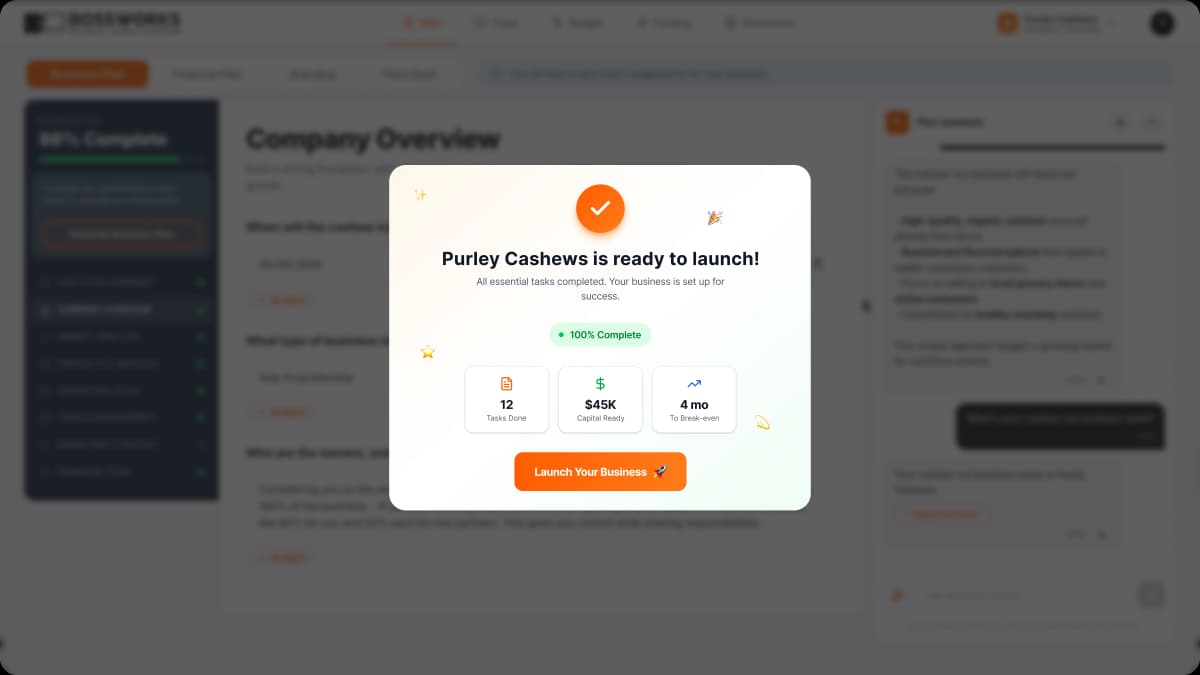
When your tasks are complete, your permits are approved, and your funding is in place, you launch. BossWorks does not run your business after that, but your plan stays with you. You can come back to update your projections as actuals come in, generate a refreshed plan for a second business, or use the Marketing Assistant for launch announcements.
A built-in website builder is included, so you can launch a free site and show up online from day one if you do not already have one.
Frequently asked questions
No. The platform is structured but not rigid. Some founders use it mainly for the plan and projections. Others rely on the launch checklist. The dashboard updates whichever sections you use.
Yes. Team collaboration is available on our Teams plan. You can add collaborators and control what they can see and edit.
You can export your plan as a document before canceling. Your data is yours.
Yes. The Financial Plan and Tracking dashboard continue to work after launch, and the Assistants are available for ongoing questions. The platform is most useful in the pre-launch and first-year stages.
Start for Free
The plan generation is free to start. Sign up, describe your idea, and see what BossWorks generates before you decide to upgrade.