Build a complete business plan, section by section, with AI guidance.
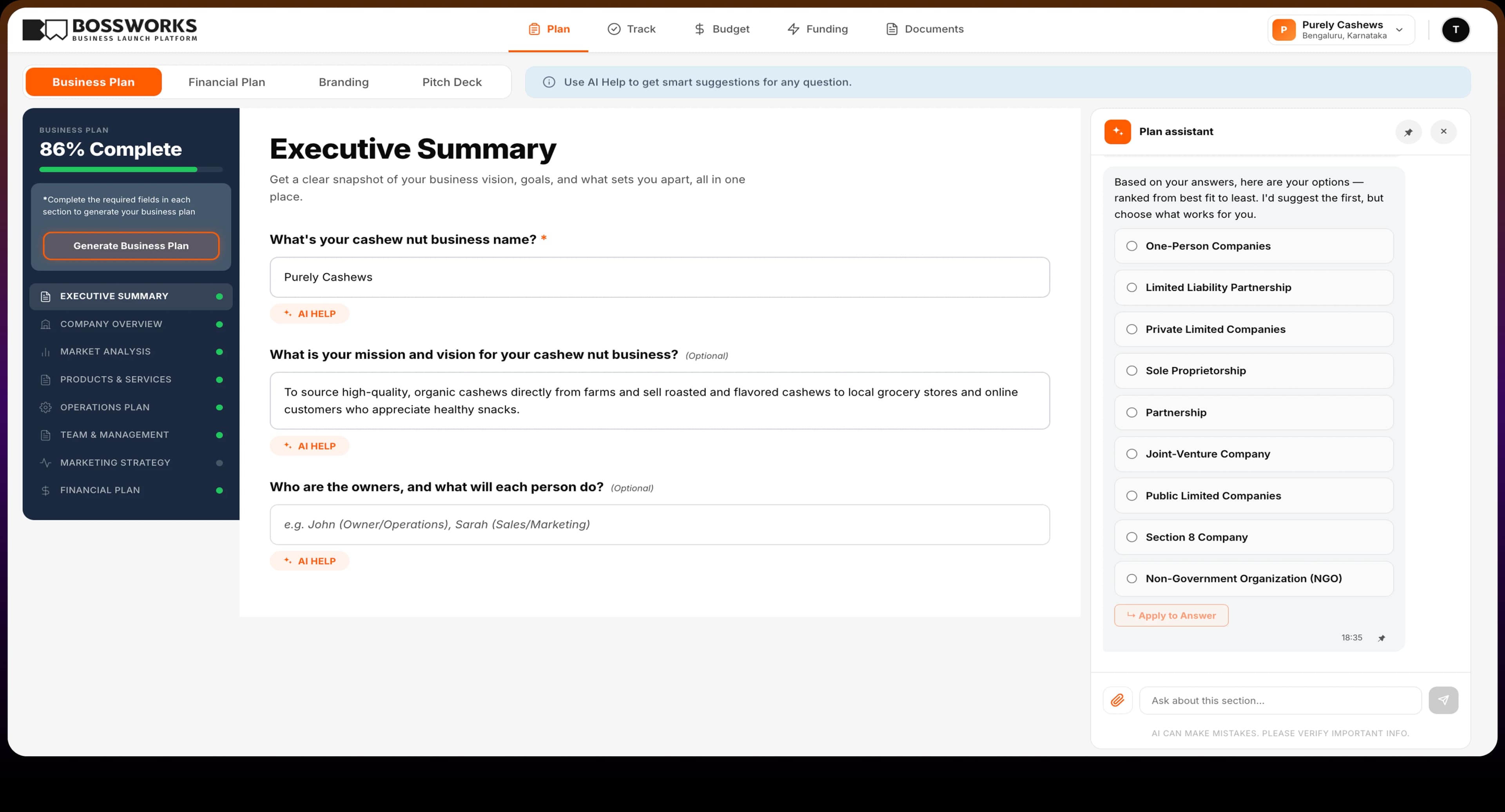
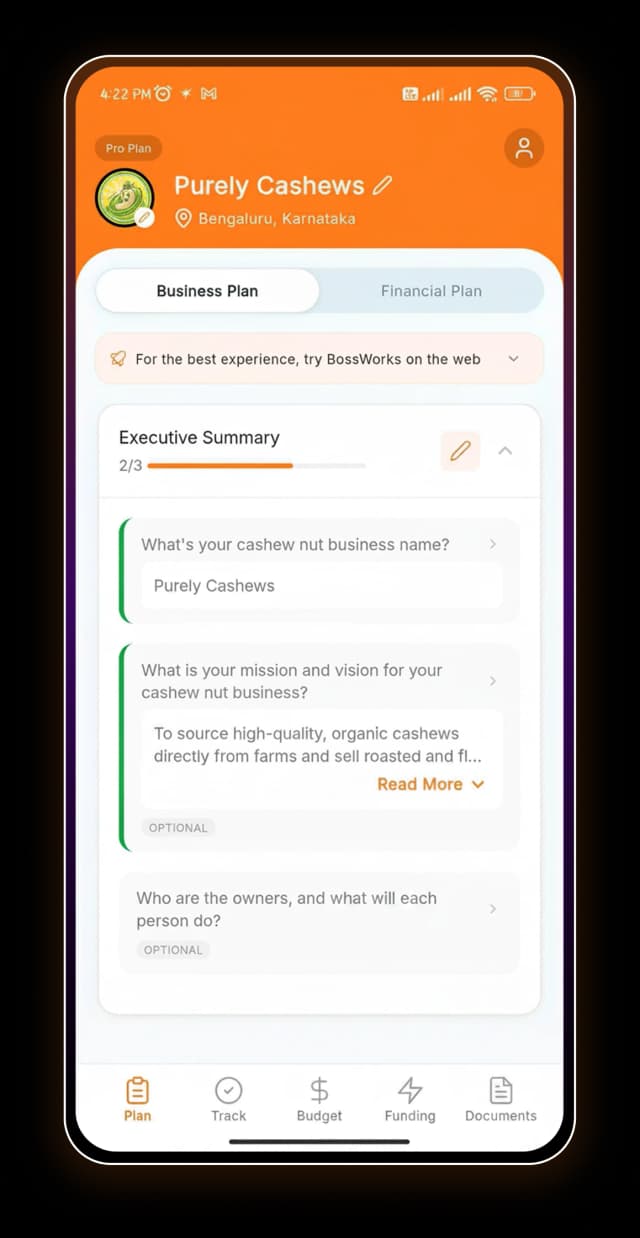
Answer a few questions about your business. BossWorks and its AI assistant help you build a plan that gives you the clarity to move forward and the confidence to launch.
Most founders know their idea.Writing the plan is where they get stuck.
“"Half my plan is numbers I can't actually defend."”
Market size, competitor pricing, demand, customer count. Most founders fill these sections with educated guesses, not data-backed research. A good business plan builder should do the heavy lifting here, not leave it to you.
“"I have no idea if my location will actually work."”
Choosing where to open is one of the biggest decisions you'll make. Without the right data on market size, competition, and customer fit, it is nearly impossible to know if a location will work before you commit to it.
“"I don't have weeks to spend on this."”
Writing a business plan from scratch takes time most founders don't have. And after all that time, you're still not sure if it holds up. The right tool should get you there faster and leave you confident in what you're building.
Everything your business plan needs, in one place.
BossWorks builds your business plan end to end, from Competitor Analysis to Financial Plan. The AI assistant guides you through every section, suggests answers you can apply with one click, and helps you make decisions as you go. You always know what each section needs and why it matters.
Not sure where to open? Let the data decide.
The Market Analysis section does more than ask where your business will be. Add every city, neighborhood, or area you are considering. BossWorks analyzes market size, competitor density, and customer fit for each one. Compare them side by side and see which location gives your business the strongest foundation. Make the call before you commit to a space.
When you're ready, so is your business plan.
Complete your sections and BossWorks generates your full business plan, enriched with research-backed market data, industry benchmarks, and competitive analysis specific to your business type and location. Not a rough draft. Not a template with your name swapped in. A complete plan ready for a bank, an investor, or anyone else who needs to see it.
A blank page isn't a business plan.
Templates give you empty boxes. BossWorks fills them with you, guided by AI, one section at a time. It's the difference between a format and a finished plan.
Frequently asked questions
A complete business plan should include an Executive Summary, Company Overview, Market Analysis, Products and Services, Operations Plan, Team and Management, Marketing Strategy, and Financial Plan. BossWorks covers all of these with guided prompts and an AI assistant on every section.
The simplest way is to work through it section by section: Executive Summary, Company Overview, Market Analysis, Products and Services, Operations Plan, Team and Management, Marketing Strategy, and Financial Plan. BossWorks guides you through each one with prompts and an AI assistant, so you don't have to figure out the structure or fill the blanks alone.
The AI assistant is available on every section. Ask it to suggest answers or help you think through a specific question. When you find something you like, apply it directly into your plan with one click.
The Market Analysis section lets you add multiple locations and compare them. BossWorks analyzes market size, competitor density, and customer fit for each area so you can make an informed, data-backed decision before committing to a space.
Yes. A bakery owner in Philadelphia gets a different plan than a freelancer in Austin. The questions, AI suggestions, and market context are all tailored to your specific business type and location.
Yes. BossWorks generates a structured, professional business plan built to meet what banks and lenders expect, including SBA loan applications. The Funding section also helps you explore relevant loans, grants, and programs alongside your plan.
Most founders complete their business plan on BossWorks in a few hours, not days. AI guidance on every section means you spend less time figuring out what to write and more time building your business.
Yes. You can update any section at any time and the plan regenerates to reflect your latest inputs.
A business plan template gives you a blank structure to fill in yourself. A business plan builder like BossWorks guides you through every section, provides AI assistance on every question, and tailors the plan to your specific business type and location.
Getting started, including business plan generation, is free. Full platform access starts at $20 per month or $200 per year.